Pro
Voice expense tracker: Say what you spent. Kashaa fills in the entries.
On Pro, tap the microphone and say what you spent, earned or moved, the way you'd tell a friend. Kashaa fills in the entries, and nothing is saved until you've checked them.
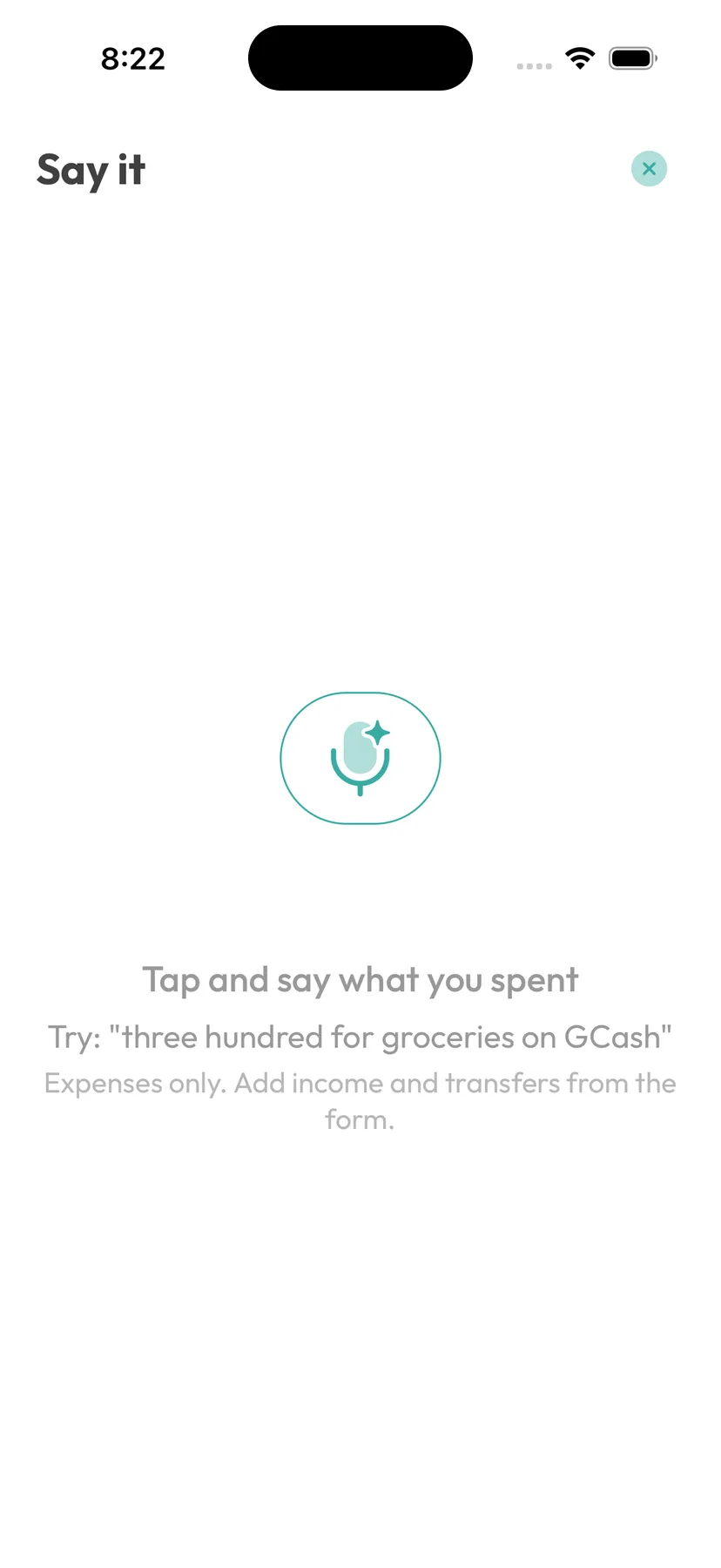
How it works
Say two things, get two entries.
Mention a few purchases in one breath and each one gets its own entry, with the amount, category and account filled in.
Tap any part of an entry to change it, or remove it. When everything looks right, one tap saves them all.
Nothing is saved until you've looked at it.
You say
“Three hundred for groceries on GCash, and eighty for coffee.”
Kashaa drafts
- GroceriesGCash₱300
- CoffeeCashassumed₱80
Checks
Your balances stay right, even when you talk fast.
A wrong category takes one tap to fix. A wrong amount would throw off your balance, so Kashaa is strict about amounts.
Amounts come from what you said
Each amount is checked against your words. If you didn't say it, it's dropped.
Guessed accounts are marked
If you don't name an account, Kashaa uses your default and labels it "assumed".
Incomplete entries can't be saved
An entry that's missing something is highlighted and can't be saved until you fix it.
What leaves your phone
Your recording stays on your phone.
Your phone turns the recording into text, and the recording stays there. Only the text, with your category and account names, goes to Kashaa's server and on to OpenAI.
If your phone can't do that conversion itself, voice entry stays off. Kashaa asks your permission before the first use.
Voice entry needs a connection. With no signal, the number pad works as usual.
Limits
What voice entry doesn't do.
Worth knowing before you pay for it.
No debts
Expenses, income and transfers work by voice. Loans are entered in the Debts tab.
English only
Other languages aren't supported yet.
Recent phones only
iOS 17+ or Android 12+. On older phones the microphone isn't shown.
30 a day
Up to 30 recordings in any 24 hours.
FAQ
Voice entry: common questions
Your phone turns what you say into text. That text goes to Kashaa's server, which uses OpenAI to fill in the entries. You check them before anything is saved.
The text of what you said, plus the names of your categories and accounts. The recording, your saved records and your balances are not sent. It goes through Kashaa's server to OpenAI, which doesn't train on it and may keep it for up to 30 days to check for abuse.
Not yet. Voice entry only understands English, and it works best when you use the names from your own category list.
Related features
Debt tracker
Money you lend and borrow, kept under each person's name with a running balance.
Fast entry
Opens straight to a number pad, so an expense takes about ten seconds to log.
Multiple accounts
GCash, Maya, bank and cash in one balance.
Works offline
Everything saves on your phone first. The whole app works without signal, except voice entry.
Spending heatmap
A calendar where each day is shaded by how much you spent.
Budgets
Weekly or monthly limits on the spending you want to watch.
Say it before you forget it.
Voice entry comes with Kashaa Pro. The number pad is free.